Plugins: Safe WordPress Management for Speed & SEO

WordPress's power comes from plugins - small software packages that add features like e-commerce, contact forms, and security tools. Plugins transform a basic site into a fully functional business platform without requiring you to write a single line of code.
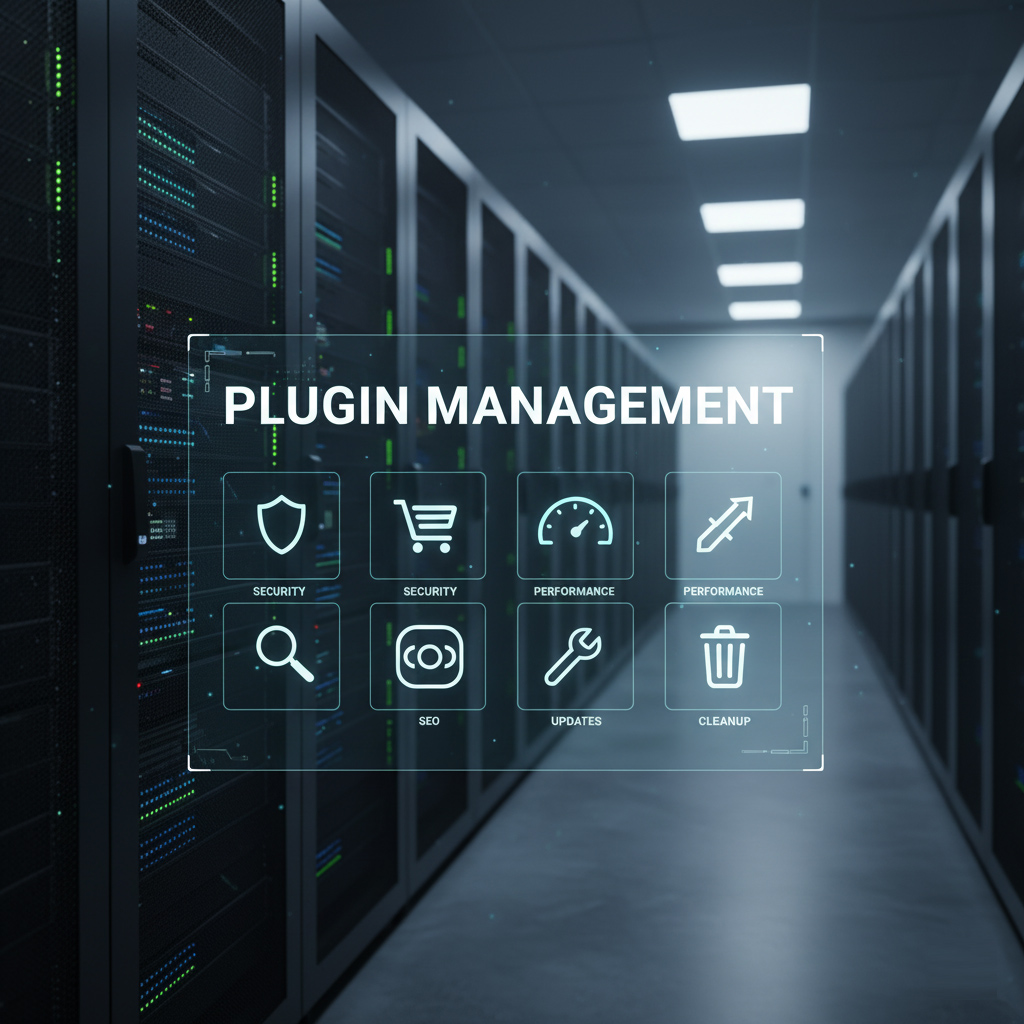
A server room with a digital overlay showcasing "PLUGIN MANAGEMENT" and icons for security, e-commerce, performance, updates, SEO, and cleanup, symbolizing efficient WordPress plugin management.

Insights

The Engine Room of Your Website

However, plugins introduce complexity. If you mishandle them, they can cause security vulnerabilities and slow performance. This guide shows you how to treat plugins as valuable tools. You must vet, update, and manage them safely to keep your site fast and secure.

The Critical Role of Plugins in Speed and SEO

The core principle of modern SEO is speed. Google prioritizes fast-loading websites because they offer a better user experience. Every plugin you install can potentially slow your site down. This directly impacts your search rankings.

Plugins’ Direct SEO Benefits

Some plugins are essential for directly managing SEO elements:

  • Schema Markup: Tools like Yoast or Rank Math ensure your content is structured. Search engines easily understand this structure. This can lead to richer results (rich snippets).
  • Speed Optimization: Caching plugins like WP Rocket or LiteSpeed Cache significantly reduce load times by creating static copies of your pages. This is a critical factor for Core Web Vitals.

Plugins’ Indirect Performance Costs

A poorly coded or unnecessary plugin increases:

  1. CSS and JavaScript Bloat: The visitor’s browser must download these heavy files.
  2. Database Queries: The server works harder, increasing the wait time for page rendering.

SEO Tip: Always test your site speed (using tools like PageSpeed Insights) before and after installing a new plugin.

Secure Plugin Management: Best Practices

An abandoned or un-updated plugin is a hacker’s easy target. Maintaining a secure plugin environment is a critical part of your overall website security posture.

How to Vet New WordPress Plugins

Before clicking “Install,” use this checklist to minimize your risk:

How to Vet New WordPress Plugins

The Golden Rule of Plugin Management

  • Update Immediately: Apply security and feature updates as soon as they are released. Use a staging environment for major updates if possible.
  • Delete, Don’t Deactivate: If you stop using a plugin, delete it completely. A deactivated plugin still contains vulnerable files on your server.
  • Source Safety: Only download plugins from the official WordPress Repository or trusted marketplaces. Nulled or free versions of paid plugins often carry malware.

A Lean, Secure, and Rank-Ready Website

Treating your plugins with diligence is the simplest way to achieve maximum website performance and security. By keeping your list lean, vetting every new addition carefully, and staying on top of updates, you ensure your WordPress machine is optimized for both Google and your users.

Remember: A fast site is a high-ranking site, and a high-ranking site is a profitable site. Need to simplify your maintenance? Check out our Website Maintenance Plans

Get in touch

Need a professional audit of your plugins to fix speed and security bottlenecks? We perform comprehensive site health checks designed to improve Core Web Vitals and secure your investment.